@Sanjit_Kumar_Makaju - hello - I believe this is your second forum post in under a week’s time - well done!
Diana is correct in that the CHT is opinionated on which colors are used. These colors have been in place for a while and offer consistency to end users who associate the colors with the different activities of their app.
What is your use case in wanting to change the colors? It’s always interesting to hear why folks want to change the CHT and we’d love to hear yours!
If you’re just curious how this could be done in a one-off proof of concept way, here’s what I did to achieve the result:
- Set up the developer environment and make sure the app loads in a browser at
http://localhost:5988/#/contacts - Edit the file you specified. In my case I changed line 67 from this:
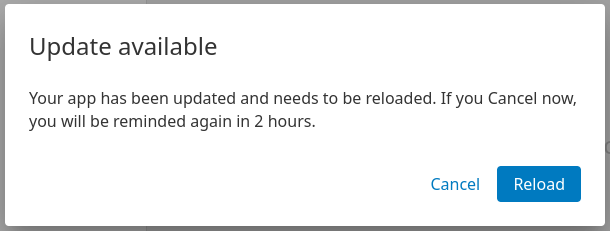
to this:@contacts-color: @pink;@contacts-color: #c3c3c3; - In your terminal windows you should see the app rebuild and in your browser you should eventually see an update is available:
- Upon clicking “Reload” in your browser, you should see your new color load. Here’s my new color of
#c3c3c3(right) next to an instance of docker helper with the original color#f47b63(left)